Your cart is currently empty.
Go to cart
Welcome back
Log in to your account
New here?
Create account
←
New accountCreate your account
Your selection
Cart
free mastering plugin
vanity lite
Vanity Lite - Free mastering plugin analyzes your track and creates a custom master for your entire song.
AU / VST3 |
10mb
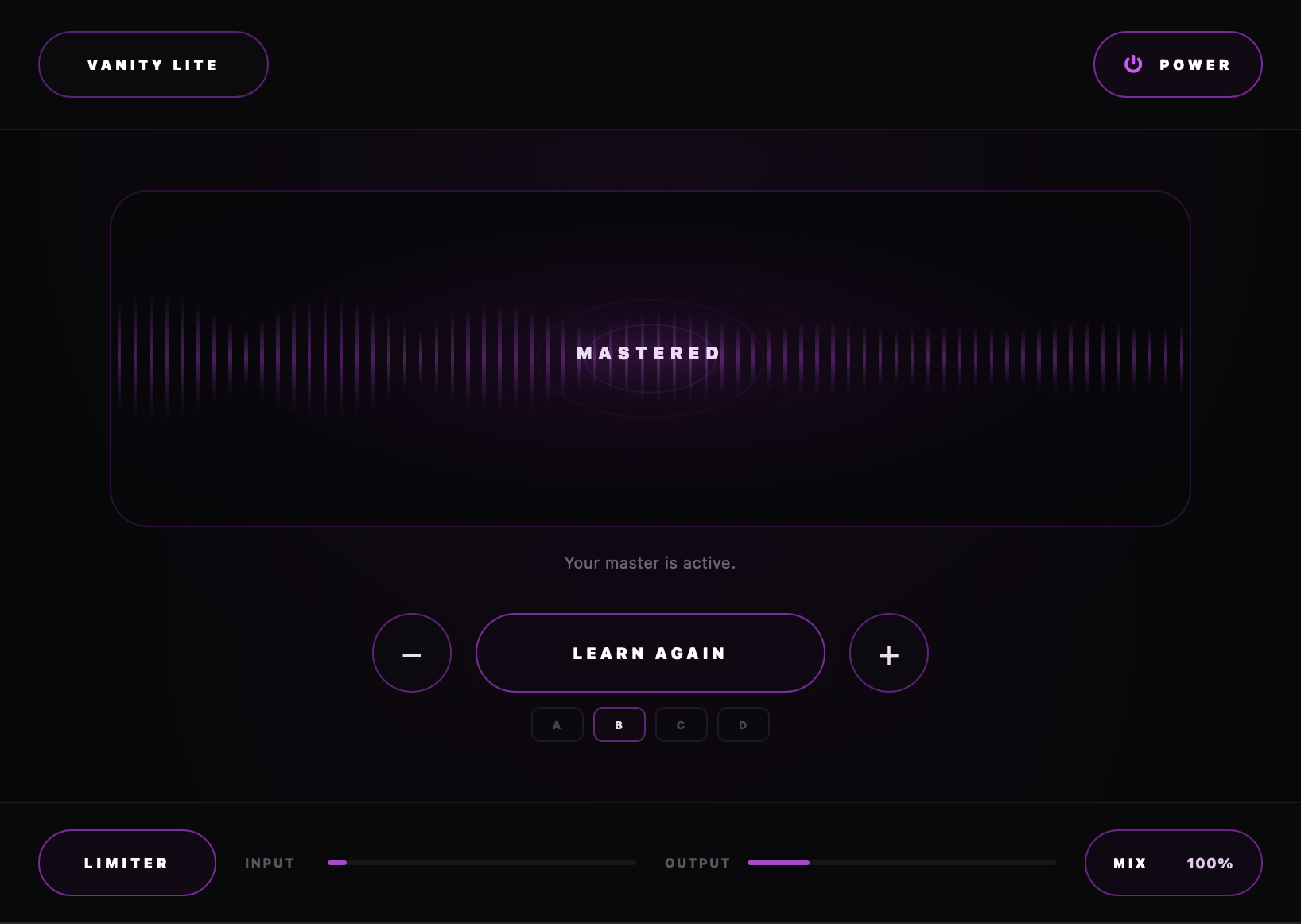
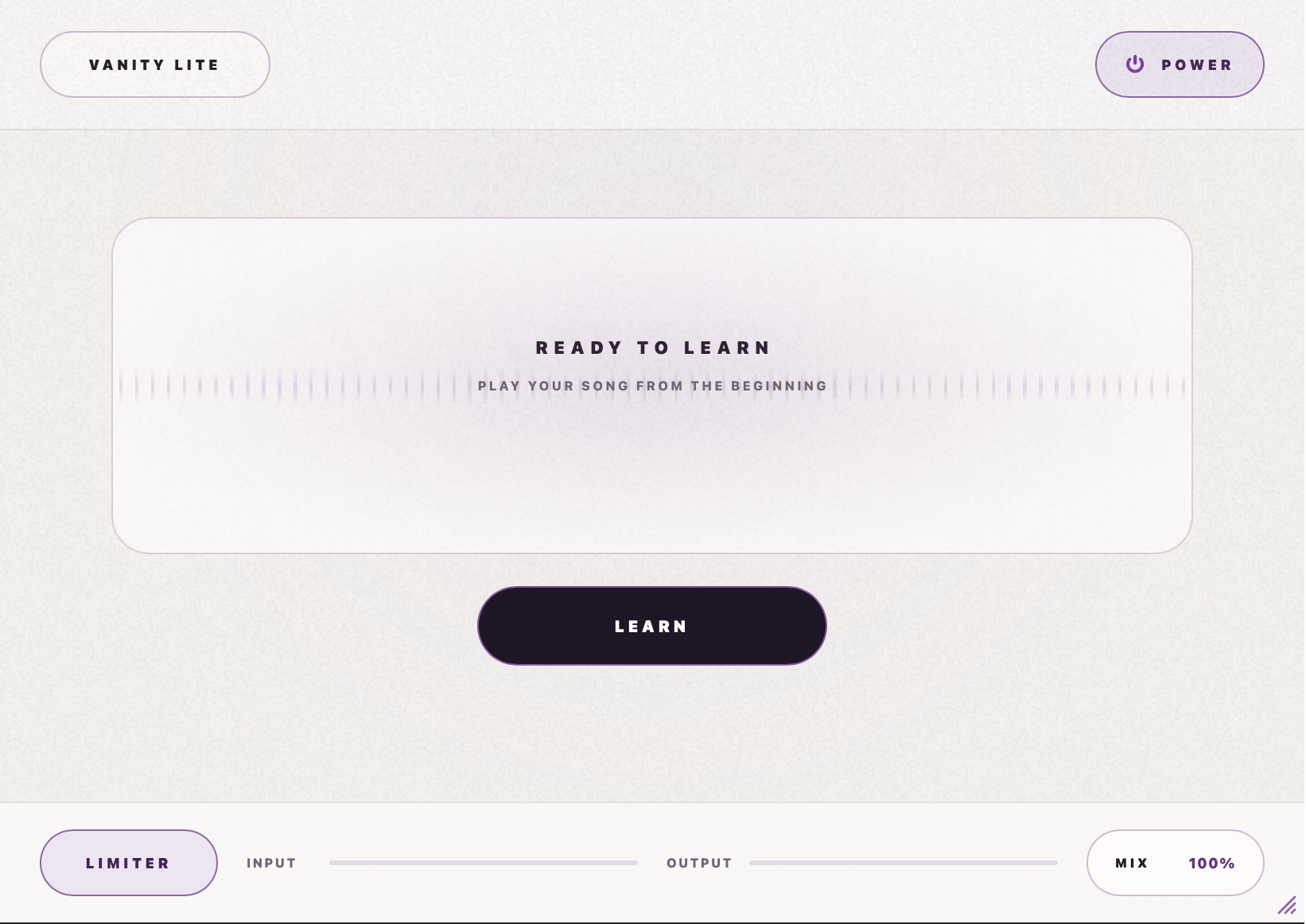
Free Mastering Plugin
vanity lite makes mastering fast and easy without complicated controls or mastering experience.
In-Depth Analyzing
play your song and let vanity analyze its tone, dynamics, loudness, transients, and stereo image.
Multi-Purpose
use vanity lite on vocals, drums, instruments, or any other audio that needs extra clarity and control.
HOW TO USE
Let Vanity learn your song
Start with the unmastered mix and give Vanity enough of the track to understand its balance and movement.
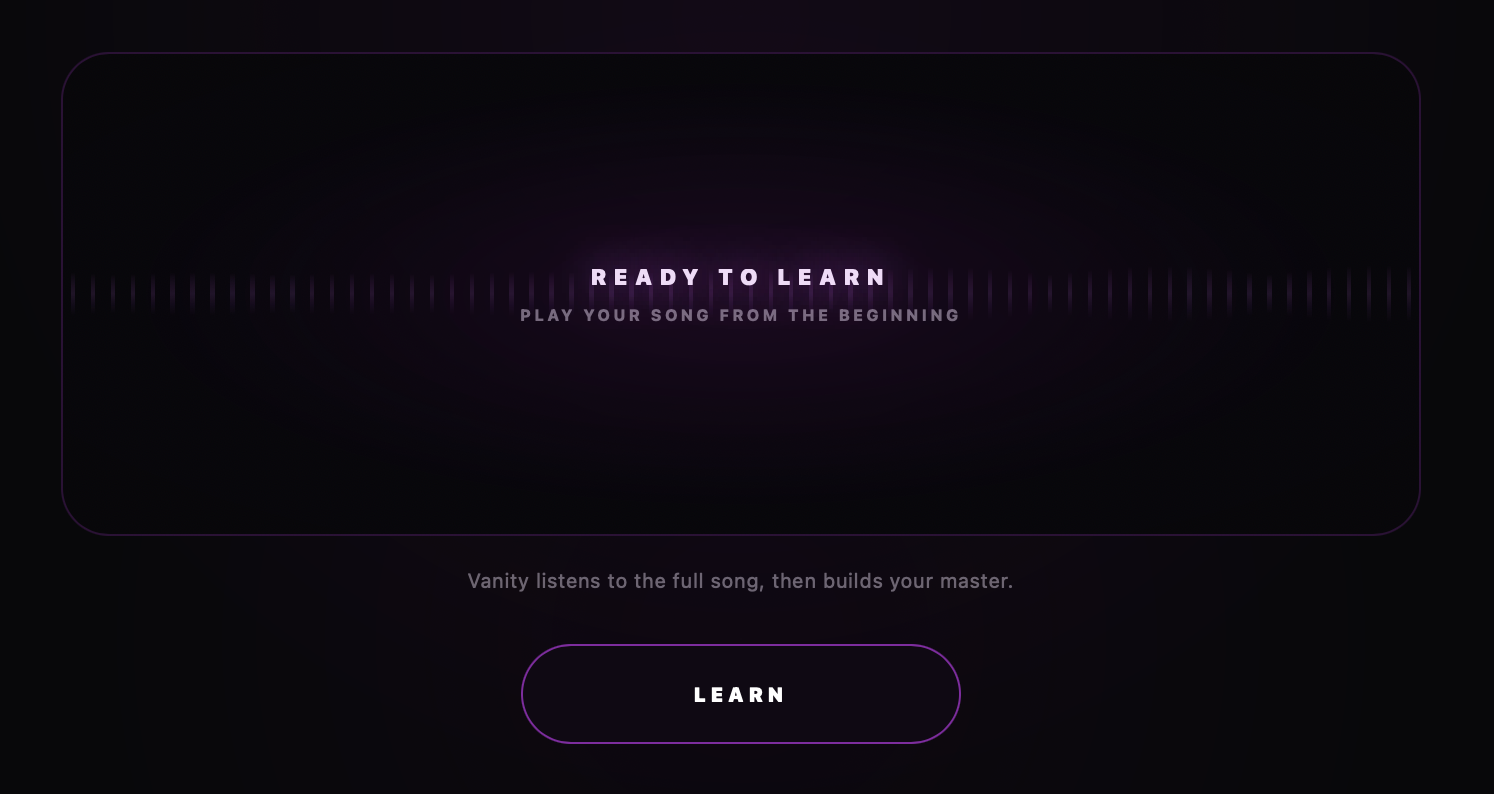
start your song from the beginning and press learn
once you've played at least enough of your song press finish
After Vanity Learns
Your master is ready
Vanity creates 4 distinct masters. You pick which one best serves your mix.
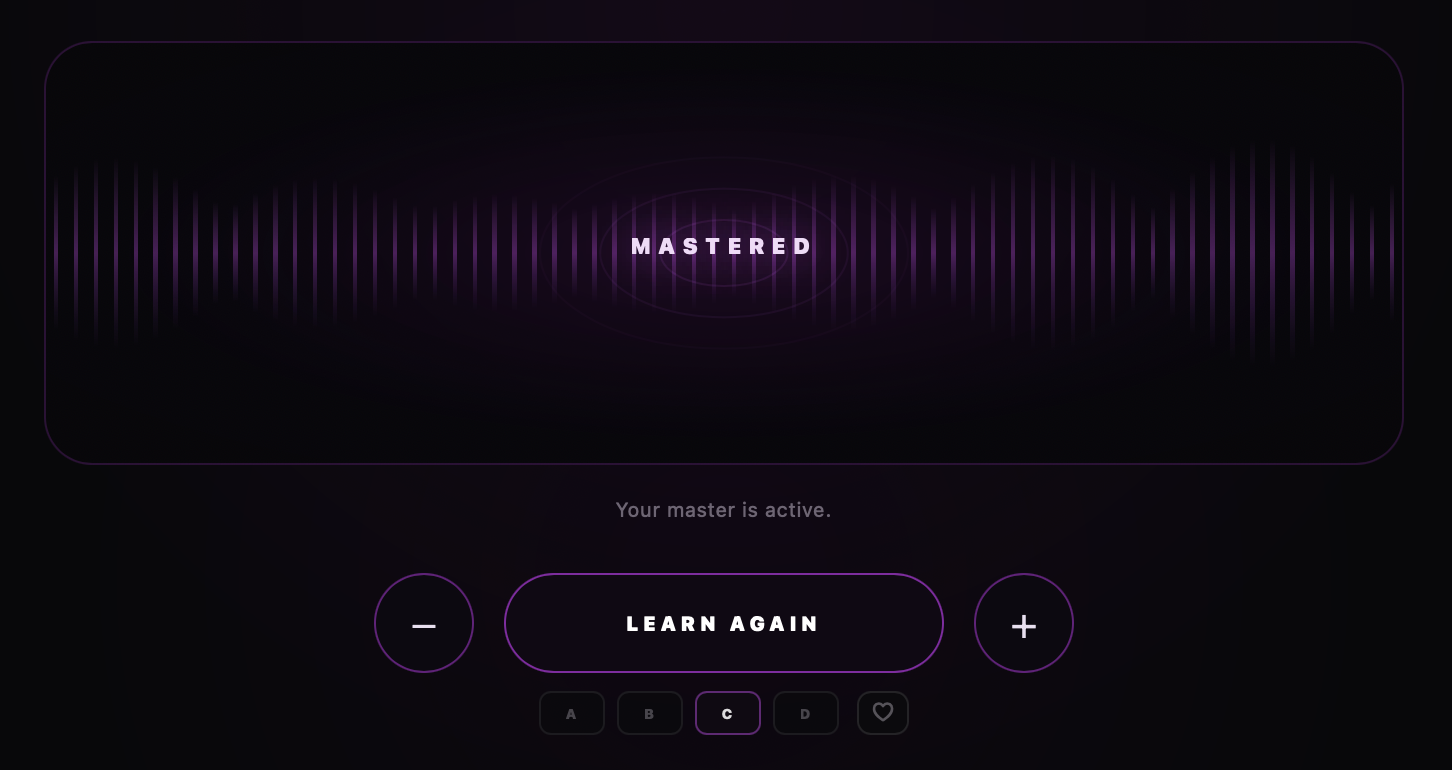
full body
punch and energy
loud & open
clean & balanced
vanity lite is a free mastering plugin. it listens to your track, analyzes how it sounds, then creates a custom master for it. time was spent making every part of vanity’s engine powerful, and it will keep getting better through future updates. it cannot make a bad mix sound good, but it can easily enhance your track and bring out all of its character. use vanity as your main mastering tool or simply to improve a mix. vanity pro is also coming later with a full in-depth editor and more control.
deep dive
open overview →
Want a closer look?
Open the full manual or overview for a deeper look at the controls, features, specs, and workflow.
technical data
version
1.0.0
format
AU / VST3
size
10mb
requirements
Mac / Win
Manual / Overview
VISIT →Initial Release.
Vanity Lite Updates
- Added light mode.
- Improved the sound of all four mastering profiles.
- Updated reduce/enhance.
- Improved input and output meters
- Removed color exposure setting
- Window size now saved per instance.
- Added in-plugin update notices.
FAQ
Frequently asked questions
is it completely free?
Yes. You just need to login or create an account to download it.
how does it work?
It analyzes your track and uses its engine to enhance it.
can it fix my mix?
it can't "fix" a mix, but it will enhance what you already have. it can make your mix hit harder, bring out some frequencies that are lacking, or lower certain parts that are too loud.
can i use it on more than full songs?
yes. you can use this on vocals, drums, and other instruments. vanity is naturally designed to make audio sound "louder" so you will need to turn down the fader or use the mix knob in vanity.
does it work with my daw?
vanity works in any daw that accepts au or vst3. it will not work in pro tools.
how is vanity different from other mastering plugins?
it reads your audio differently than other plugins and uses its own engine.
why isn't my song getting loud enough?
vanity lite works best with a balanced mix. if the song has lots of inconsistencies the results will vary.

an example of the kick overpowering the rest of the song.
how much headroom does vanity need?
for best results bring your mix down around -10db. that gives vanity room to boost parts of your song.
smart coupon
accept offer