Your cart is currently empty.
Go to cartangelicvibes / plugin documentation
vanity lite
plugin overview and manual. analyze your audio, generate four distinct mastering profiles, and refine the result with a streamlined set of controls.
mac + windowsvst3 / au5 mbfree pluginmastering + individual tracks
overview.
vanity lite analyzes the sound of your track and creates four different mastering profiles. each profile uses a different processing approach, letting you compare tonal weight, punch, openness, and overall balance without building a mastering chain manually.
the same processing can be blended into drums, vocals, instruments, and other individual tracks when you want more subtle enhancement.
installation.
install the plugin
download the installer, complete the setup, and open your daw. rescan plugins if vanity lite does not appear immediately. load it on your master channel or an individual track.
system requirements
macos and windows. vst3 and au formats. download size: approximately 5 mb for mac and 5 mb for windows.
learn your track.
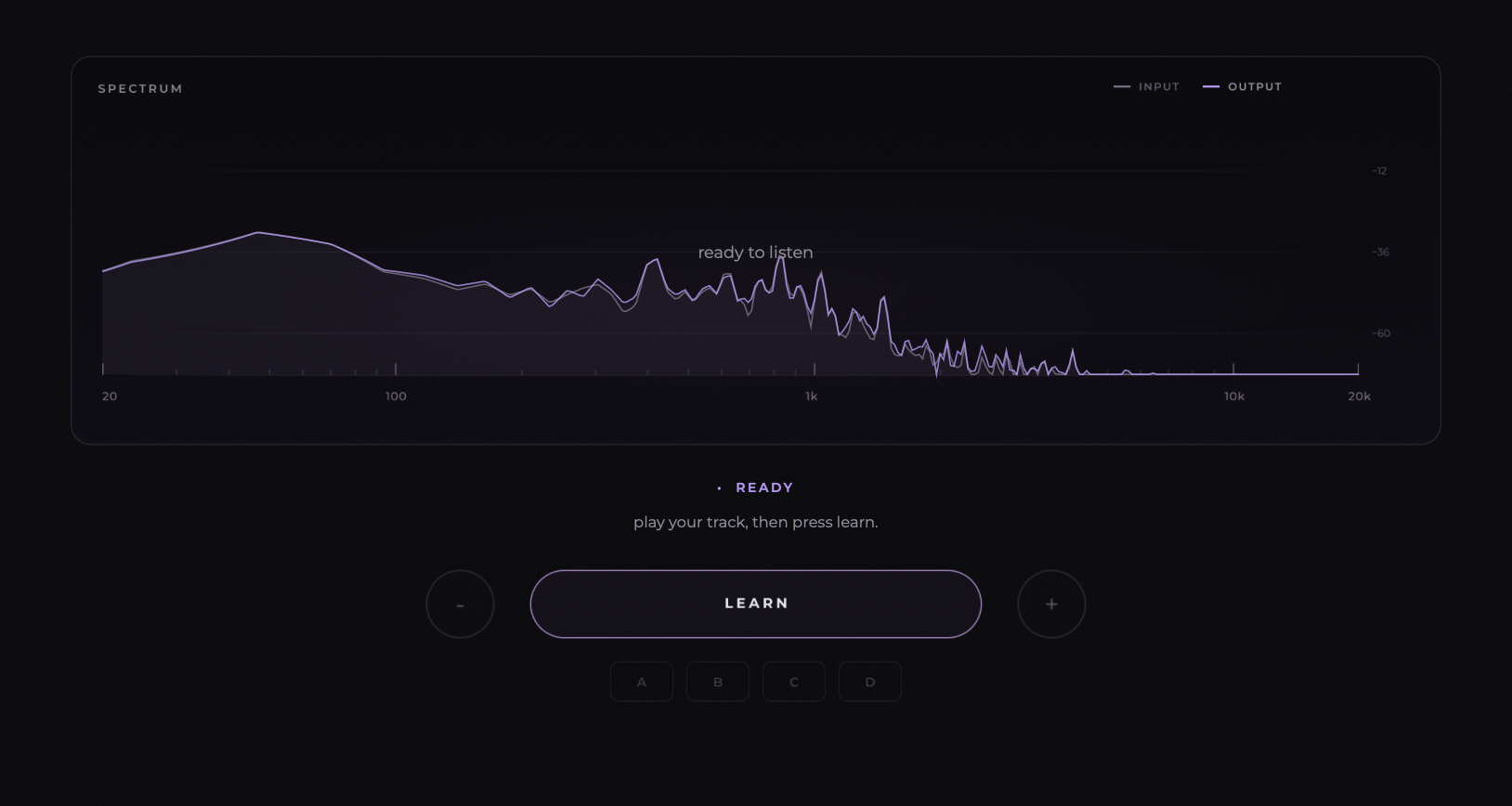
start playback of your unmastered mix and let vanity lite measure its tonal and dynamic characteristics before generating processing profiles.
01learn
press learn and play the track from the beginning.
02analyze
play approximately 60 seconds while vanity measures the material.
03finish
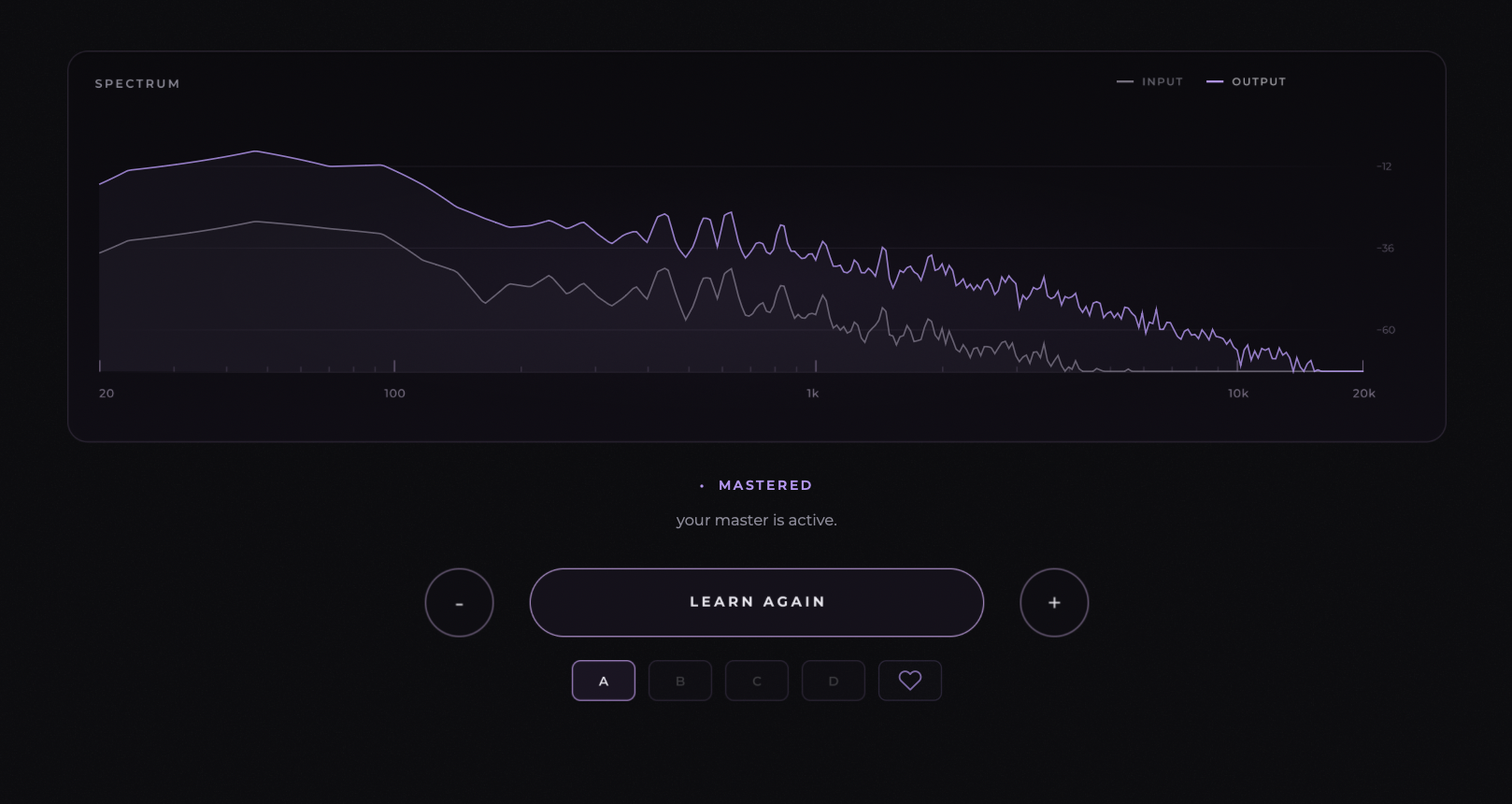
click finish to generate four different master profiles.
four distinct profiles.
each profile is independently designed with a different processing character. the options are not simply louder or quieter versions of one master.
a
full
prioritizes body, weight, and fullness for a denser presentation.
b
punch
emphasizes impact and transient energy for a more forward, energetic sound.
c
loud & open
focuses on perceived loudness with a more open and spacious character.
d
normal vanity
takes a more balanced approach to tonal and dynamic enhancement.
processing amount: the − and + controls adjust processing strength, not simply output volume. use learn again to reanalyze the track when needed.
spectrum analyzer.
the spectrum analyzer displays the frequency content of the incoming audio. drag across the analyzer to audition specific frequency regions, helping you identify where energy, resonances, or tonal imbalances sit in the mix.
use the analyzer while comparing profiles to hear what is happening in individual areas of the frequency spectrum.
dragging the analyzer is for frequency-focused listening and inspection; it is separate from selecting a master profile or adjusting the overall processing strength.
main controls.
learn / finish / learn again
start the analysis, create the profiles, or run the analysis again on the material.
profile selection
switch between the four masters and compare how each approach changes the audio.
reduce / enhance
adjust the intensity of the chosen processing profile.
mix
blend the processed signal with the original. particularly useful on individual instruments, drums, and vocals.
limiter + meters
manage output peaks with the limiter and monitor input and output signal levels.
power / bypass
disable processing to compare the enhanced signal against the original mix.
menu + appearance
open the plugin menu for appearance preferences and optional anonymous analytics controls.
heart / feedback
share a preference for a profile when optional anonymous tracking is enabled.
the vanity engine.
vanity lite does not use ai to analyze your music. its custom-built mastering engine analyzes your track and uses built-in compressors, dynamic eqs, limiters, stereo imaging, and other processing tools to create four distinct mastering profiles. these processors work together to deliver a polished master tailored to your track.
tonal shaping
adapts frequency balance to the material rather than using one fixed equalization curve.
dynamic control
manages peaks and overall movement while retaining the intended character of the mix.
stereo + harmonic treatment
adds width and subtle tonal character according to the selected profile.
final output protection
uses peak management and limiting to control the final signal.
troubleshooting.
plugin not showing in the daw
rescan your plugin folders. if vanity lite still does not appear, restart your daw and reinstall the matching plugin format if necessary.
the resulting master is too intense
try another profile, reduce the processing amount, or use the mix control to blend more of the original audio.
the analysis does not match what you expect
play a representative part of the track during learning. select learn again and repeat the process when necessary.
using vanity lite on vocals, drums, or instruments
insert the plugin directly on the track or bus. blend the processing using mix and choose the profile that suits the source.