Your cart is currently empty.
Go to cartfree mastering plugin
Vanity Lite Overview
Free mastering plugin. Learns your track. Creates four masters.
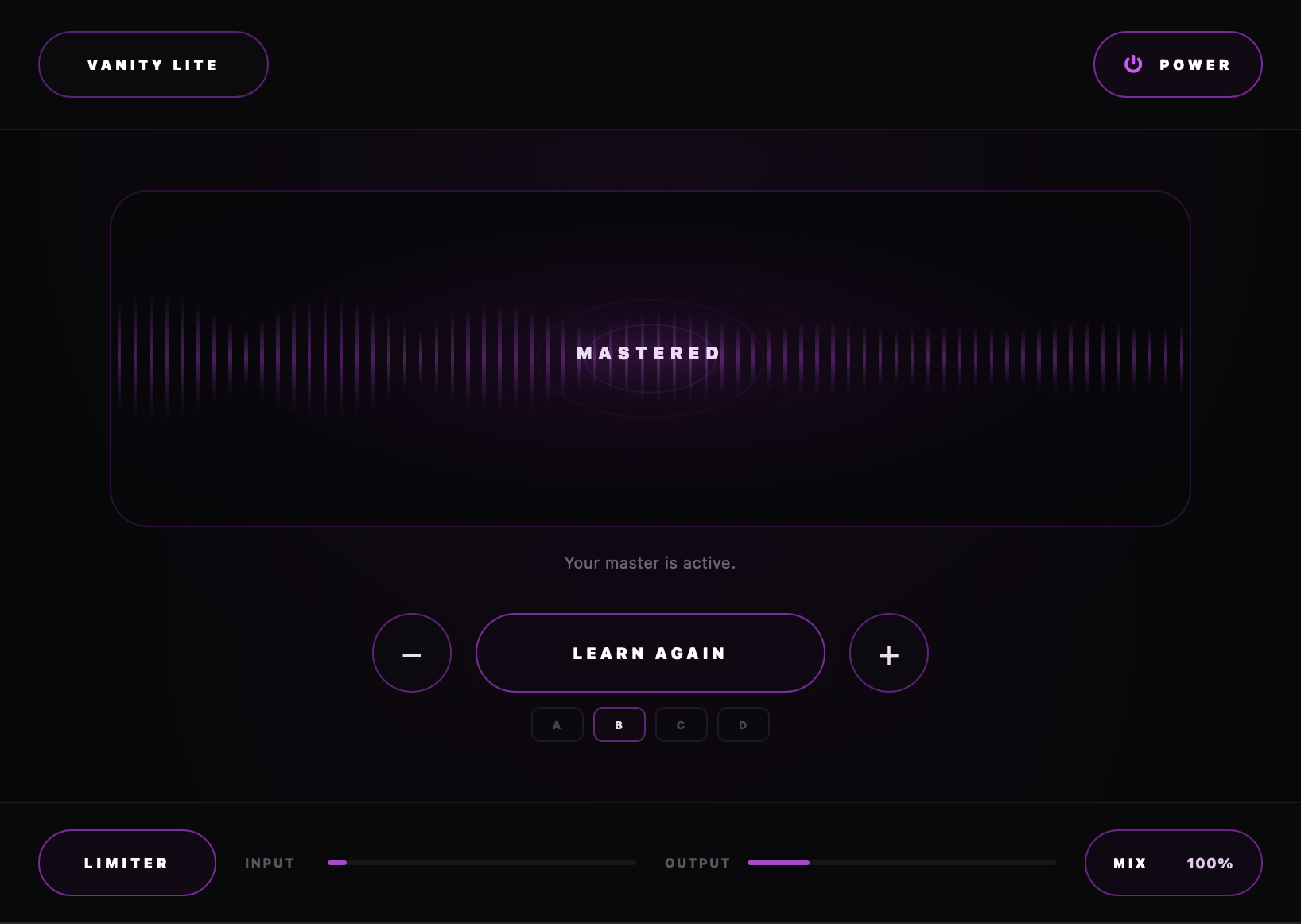
Analyzes your music. Builds a master around it.
quick start
Vanity Lite installation
Small download. Simple setup.
install the plugin
Download and run the installer. Open your DAW. Rescan plugins if needed. Load Vanity Lite on the master channel.
macOSWindowsVST3AU
lightweight download
Mac: 5 MB
Windows: 5 MB
how to use
let vanity learn your song
Start with your unmastered mix.
click learn
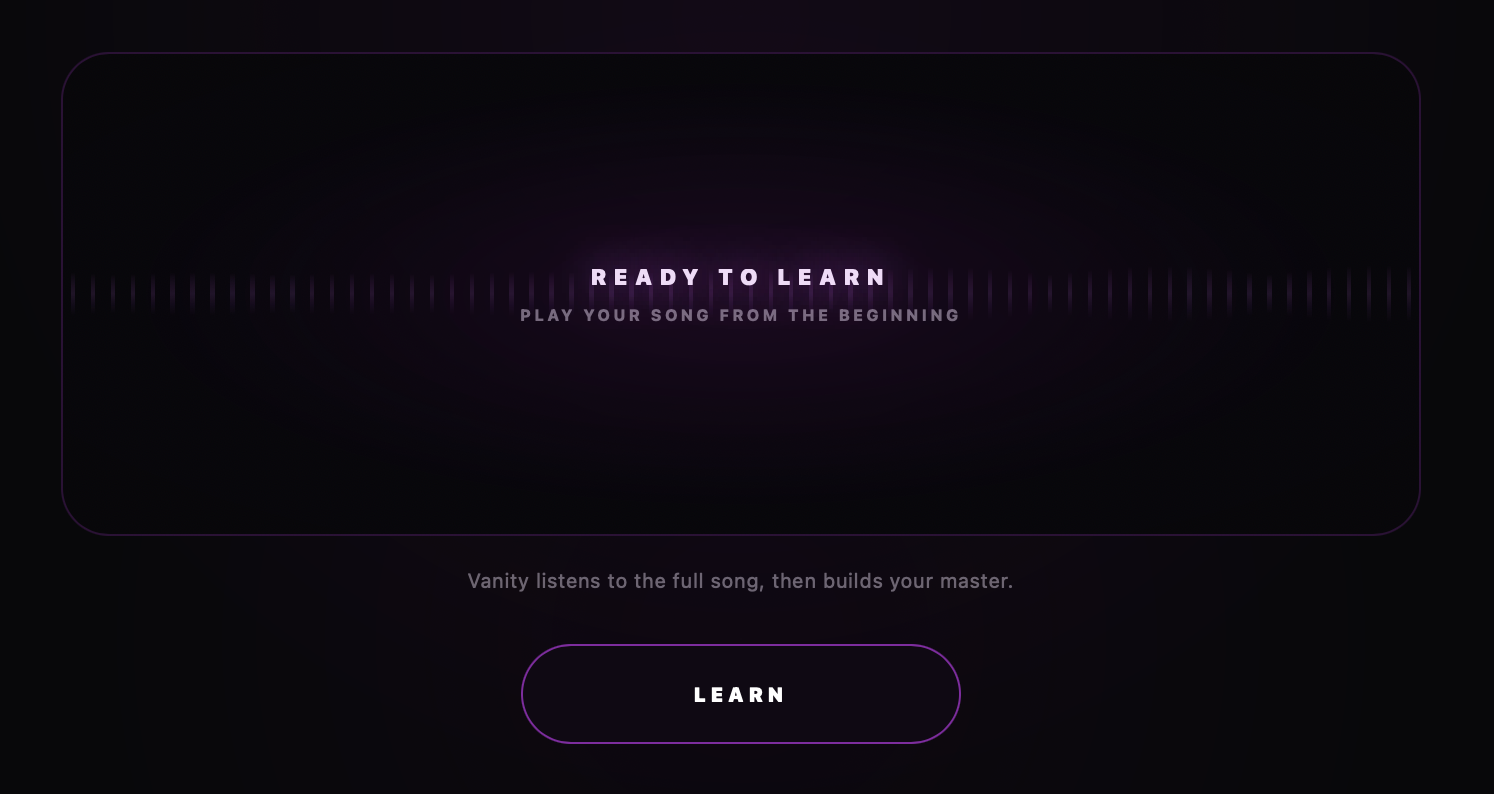
Press Learn. Play your song from the beginning.
play about 60 seconds
Vanity analyzes the tone, dynamics, and energy.
click finish
Press Finish. Vanity builds your master.
after learning
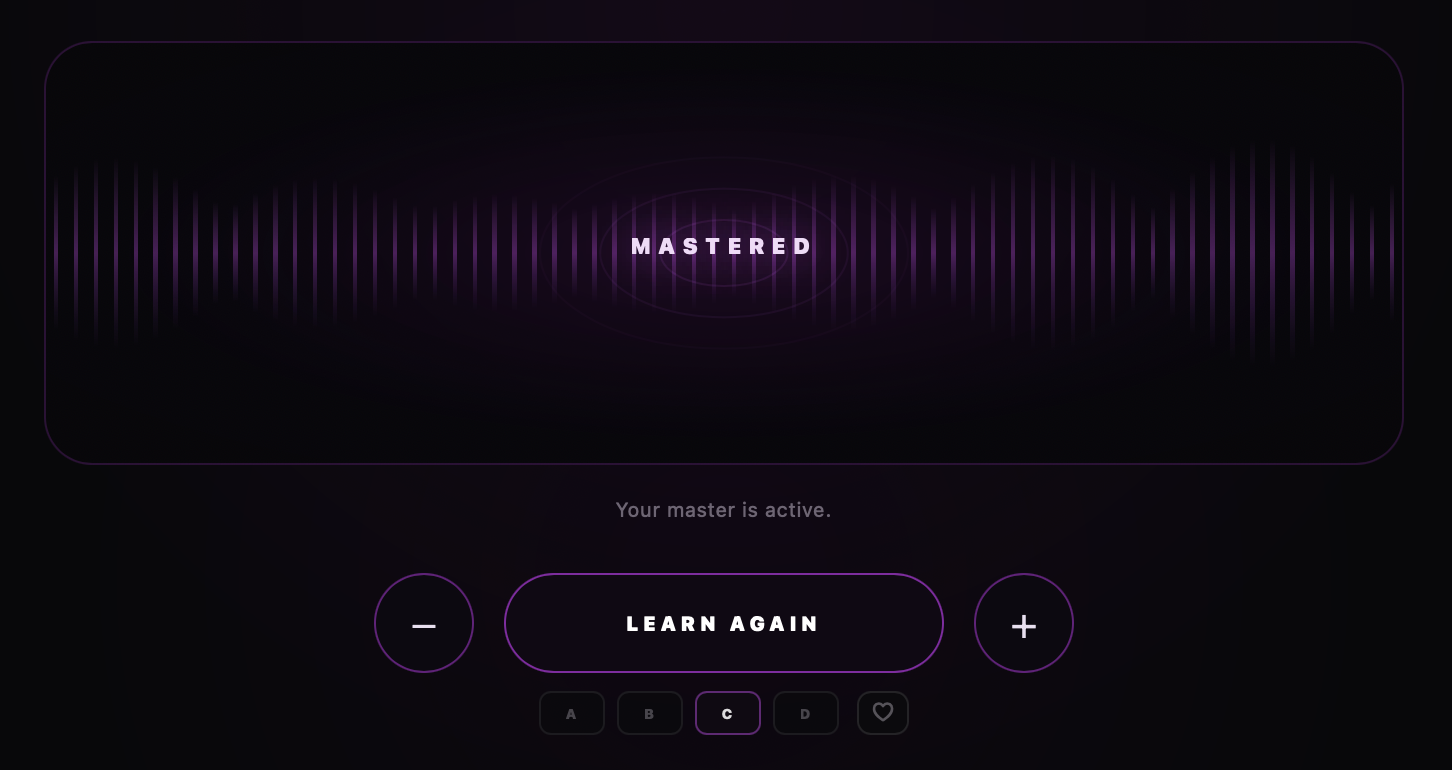
your master is ready
Four masters from one analysis. Compare them. Pick one.
full
More body.
punch
More punch and energy.
loud & open
More loudness and space.
normal vanity
Balanced master.
processing amount: Use − or + to adjust processing strength, not volume. Learn Again reanalyzes the track. Same mix, usually a similar result.
heart button: Shares your preference with Vanity and the AngelicVibes team. Only with anonymous tracking enabled in the menu.
the vanity engine
built around the complete track
A mastering chain that adapts to your song.
song-specific processing
Tonal shaping and dynamic control. Adjusted to your track.
intelligent dynamics
Peak control. More punch. Less harshness.
shared loudness control
Multiple stages working together. Controlled loudness.
true-peak protection
Adaptive limiting. Controls peaks during playback and export.
- tonal balance
- dynamic control
- stereo enhancement
- harmonic color
- low-end control
- final output protection

top controls
menu & power
vanity lite menu
Click the logo. Adjust brightness. Enable optional anonymous tracking.
power / bypass
Click power to bypass Vanity. Compare with your original mix.

bottom controls
limiter, meters & mix
limiter
Controls peaks. Protects the output. On by default.
input & output
Monitor incoming and outgoing levels.
mix
Blend processed and original audio. Useful on drums, vocals, and individual sounds.
made for you
