Your cart is currently empty.
Go to carteasy workflow
pick a source, choose your shape, set your rate and done! pulsate is simple to use. no complicated settings only quick results.
Your cart is currently empty.
Go to cart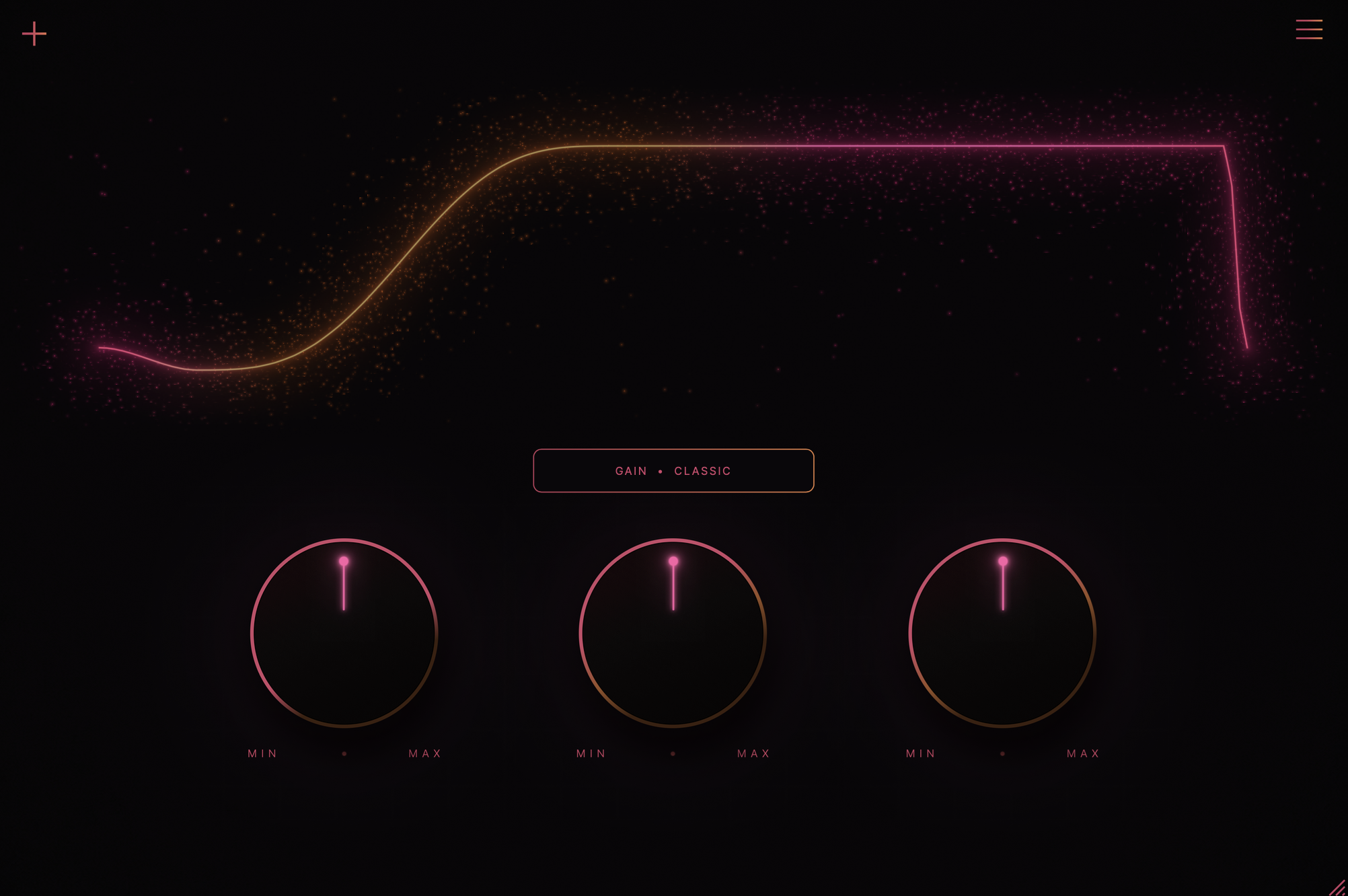
Introducing Pulsate, the newest member to the AV Essentials FX Series. Pulsate is one of the east ways to stutter and sidechain any sound you want!
Pulsate makes it easy to create your own sidechain shapes, stutters, and rhythmic effects. choose from over 120 shapes, or draw something completely your own. from simple pumping to unusual movement, there's a lot you can do with just a few controls.
pick a source, choose your shape, set your rate and done! pulsate is simple to use. no complicated settings only quick results.
create moving filters, rhythmic stutters, stereo movement, custom modulation, and drawable shapes. go beyond the usual volume pump.
future pulsate updates are included at no additional cost, with more shapes and creative tools planned.
make your own shapes directly on the grid. you can add points, move them around, or give each part of the shape a different curve. it's especially useful for making your own rhythms and stutters.
draw shapes with one stroke. it can be a simple sidechain curve or something completely chaotic. you can smooth it out afterward or make it move.
these shapes turn ordinary sounds into rhythmic patterns. try them on pads, melodies, or vocals to create chops and stutters. you can also move individual pulses around to change the rhythm.
hearts, smiley faces, infinity symbols, and other strange shapes. they might look ridiculous, but they actually affect the sound. pulsate follows the shape itself, which can lead to some pretty unexpected results.
imagine a normal sidechain curve, except it's constantly moving instead of repeating the exact same way. that's what these do. they're great for adding movement without having to draw a bunch of automation.
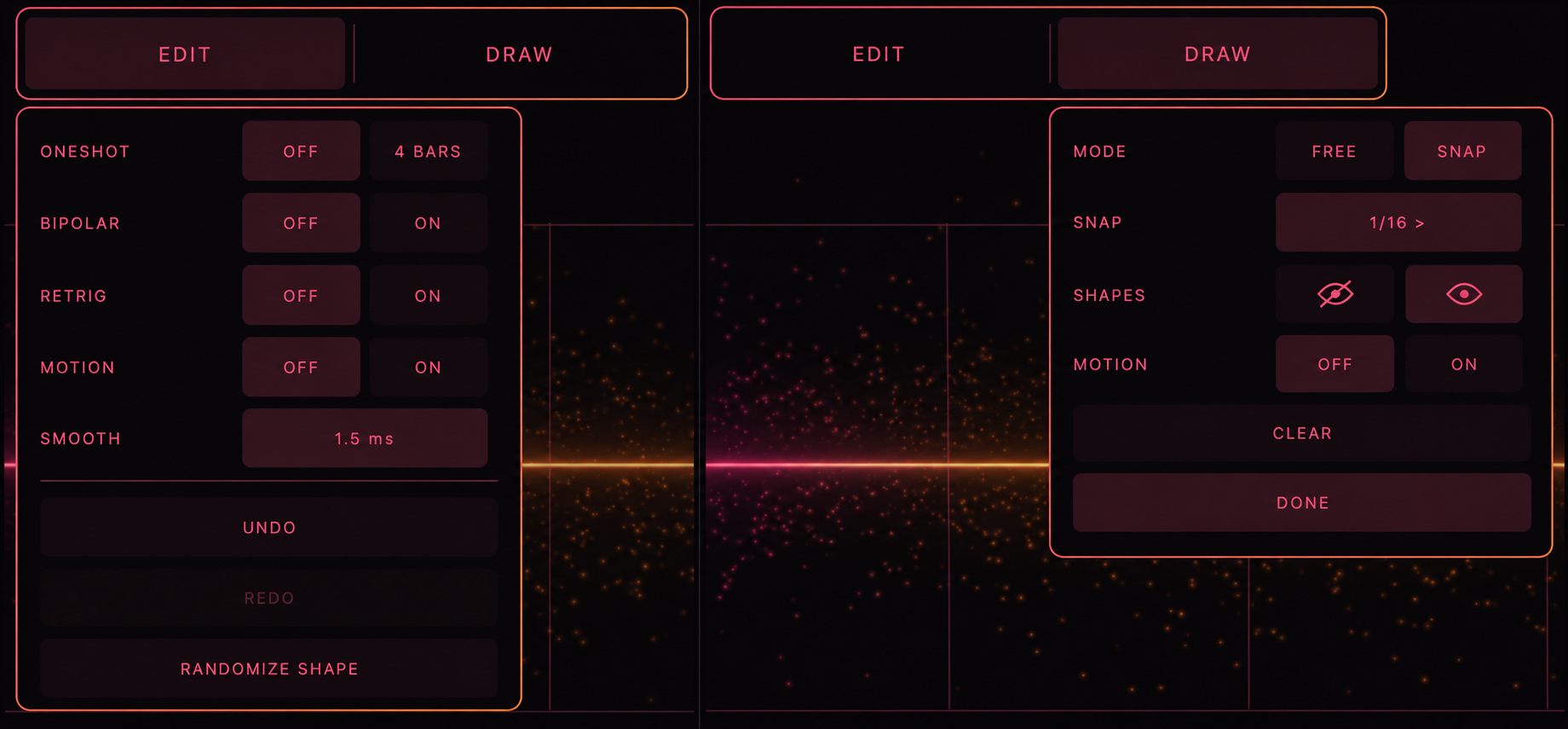
behind the + menu you can turn shapes into one-shots, use bipolar modulation, retrigger shapes with midi, and customize how drawing works.
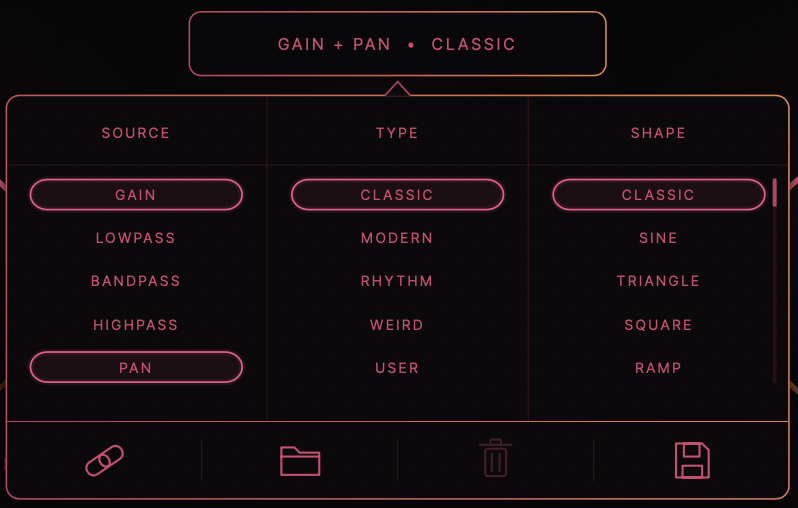
choose between gain, lowpass, highpass, bandpass, and pan. you can also link two destinations together. for example, make the volume pulse while the sound moves from left to right.
Initial Release.
Introducing ASTRX — Our new VST for the modern producer.
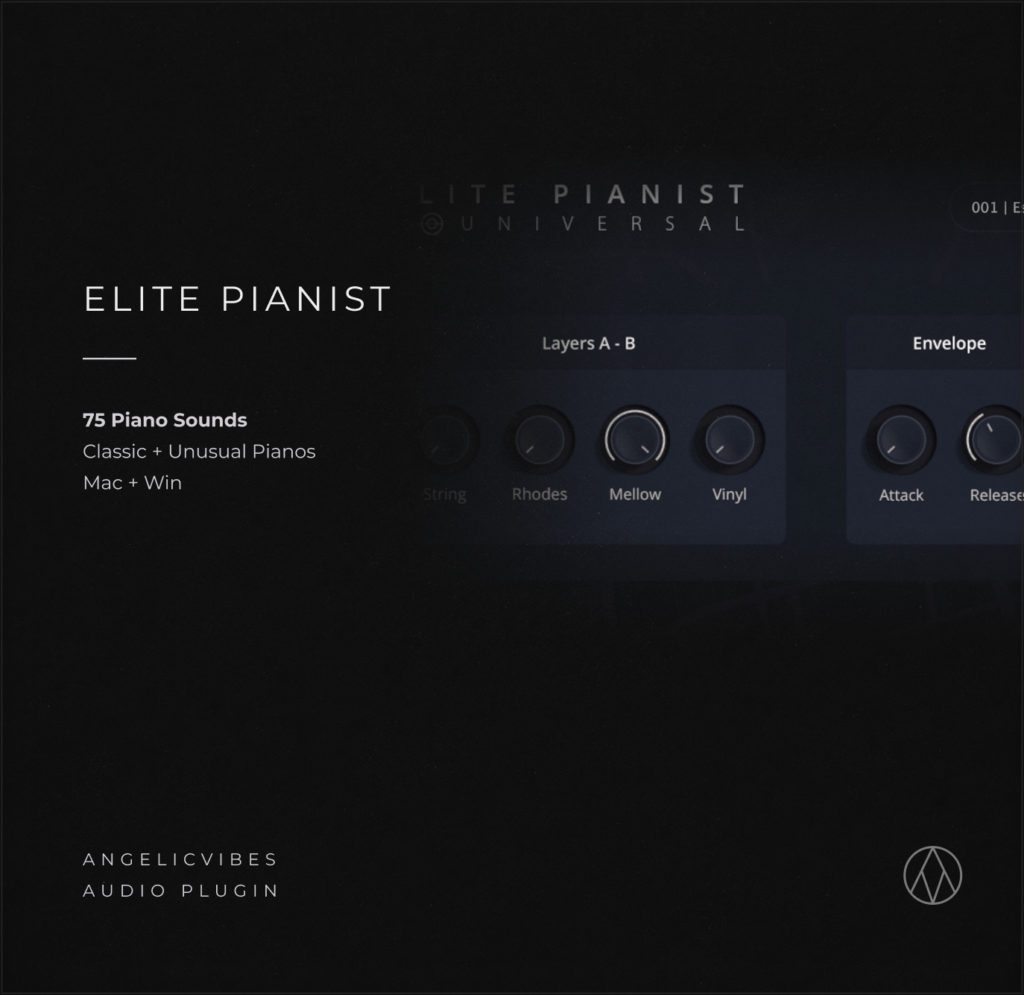
Elite Pianist — our best-selling audio plugin featuring a collection of unique live-recorded pianos made for any genre.
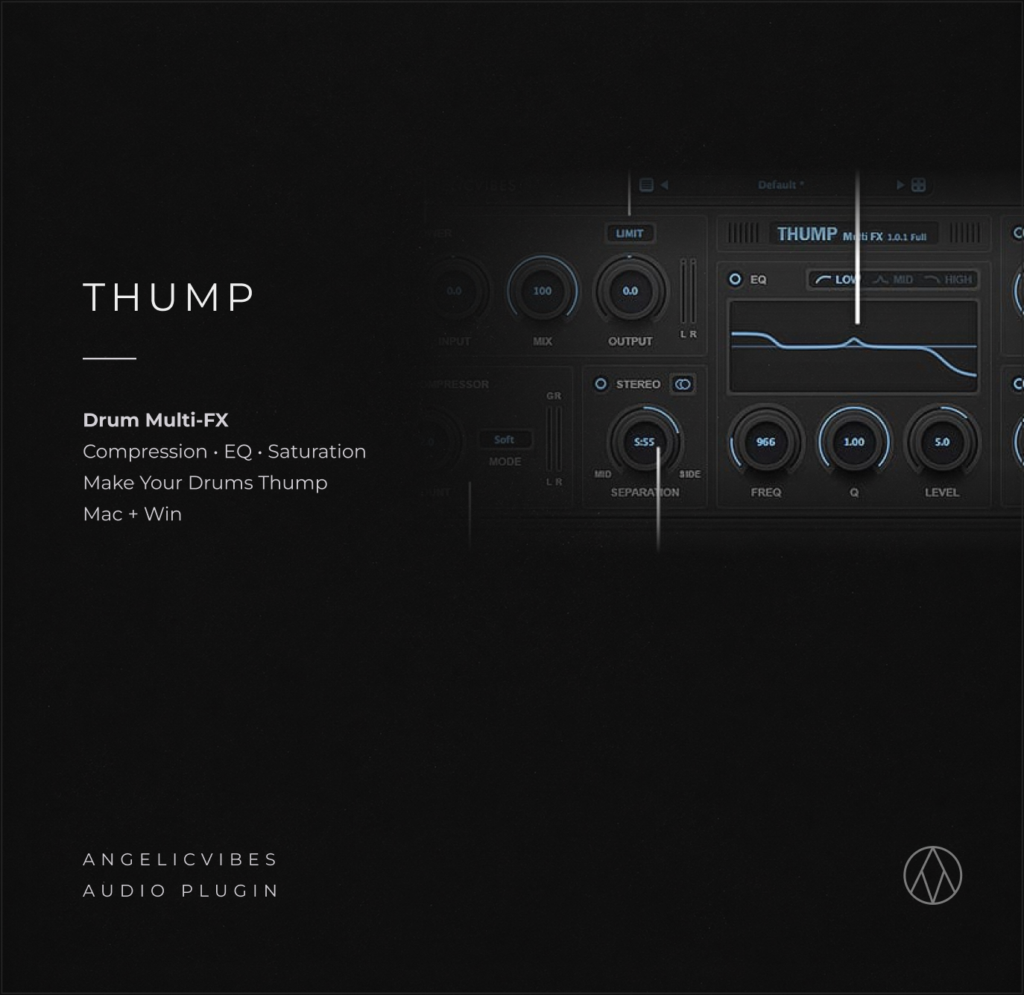
Thump is the perfect plugin that’ll help you mix and edit all your bass sounds.
Pulsate