Your cart is currently empty.
Go to cart
Welcome back
Log in to your account
New here?
Create account
←
New accountCreate your account
Your selection
Cart
maximillion
plugin overview & manual
view product →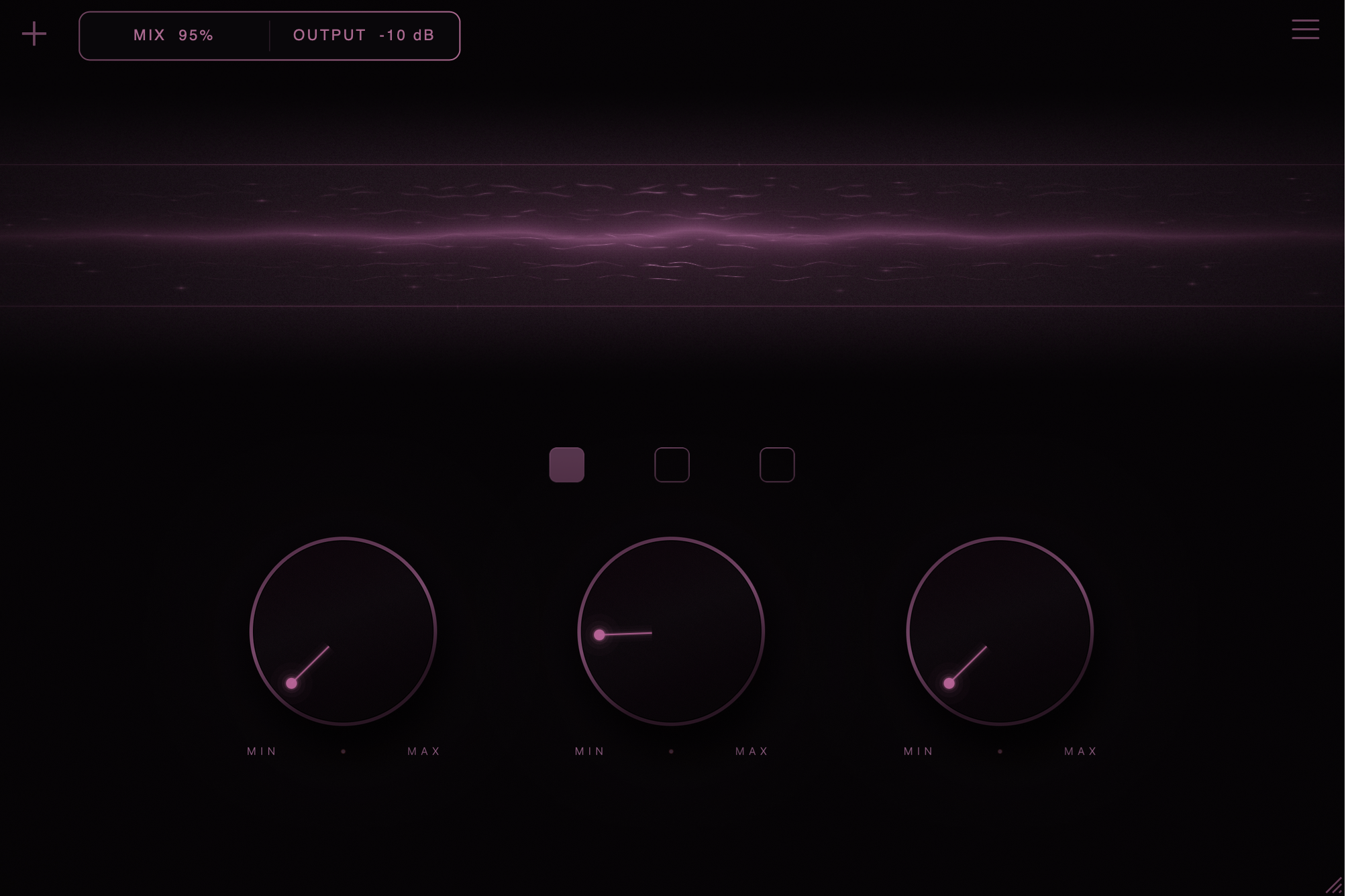
installation
- Close your DAW and run the installer.
- Reopen your DAW. Rescan plugins if needed.
requirements
- macOS or Windows.
- VST3 or AU host. No Pro Tools support.
file size
32 MB.
updates
Download the latest version. Close your DAW and run the installer.
types & controls
type 1 — limiting & saturation
Loud, dense, and aggressive.
- Boost: More drive, compression, and loudness.
- Ceiling: Turn up to lower the limit and leave more headroom.
- Saturation: Soft-clips peaks and adds grit.
type 2 — adaptive compression
Fuller drums with a subtle high-end lift.
- Compress: More compression and drive.
- Punch: Down for tighter hits. Up for more impact.
- Recovery: Down for faster release. Up for longer compression and more saturation.
The high-end lift is built in.
type 3 — VCA & transient shaping
Control the hit, body, and tail.
- Compress: Stronger compression with added makeup gain.
- Attack: Below 50% softens hits. Above 50% adds impact.
- Sustain: Below 50% shortens tails. Above 50% adds body and warmth.
Attack shapes transient strength, not attack time.
top-left “+” menu
- Mix: Blend dry and processed audio. 100% is fully processed.
- Output: Adjust the final volume.

smart coupon
accept offer