
Iota Mini
plugin overview & manual
view product →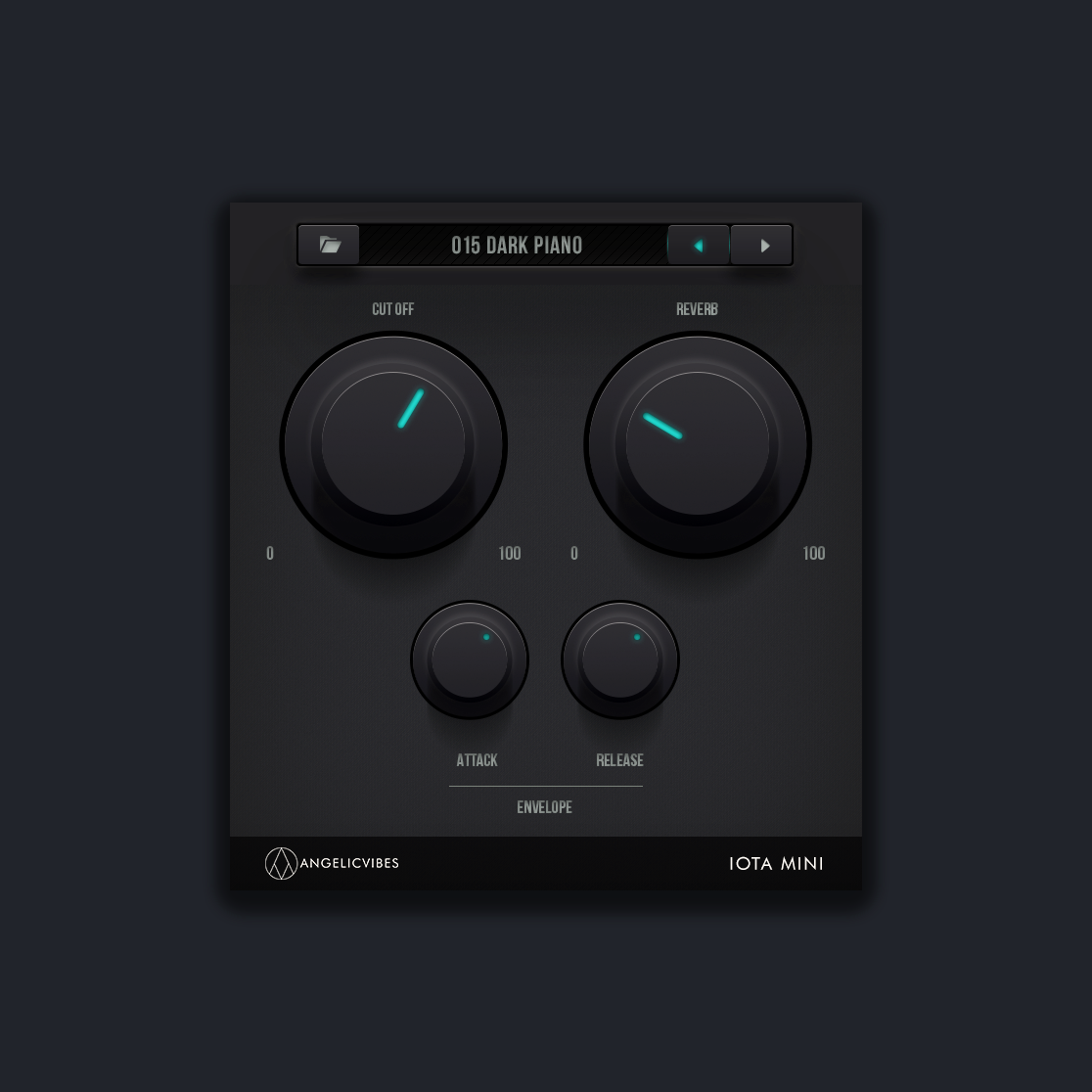
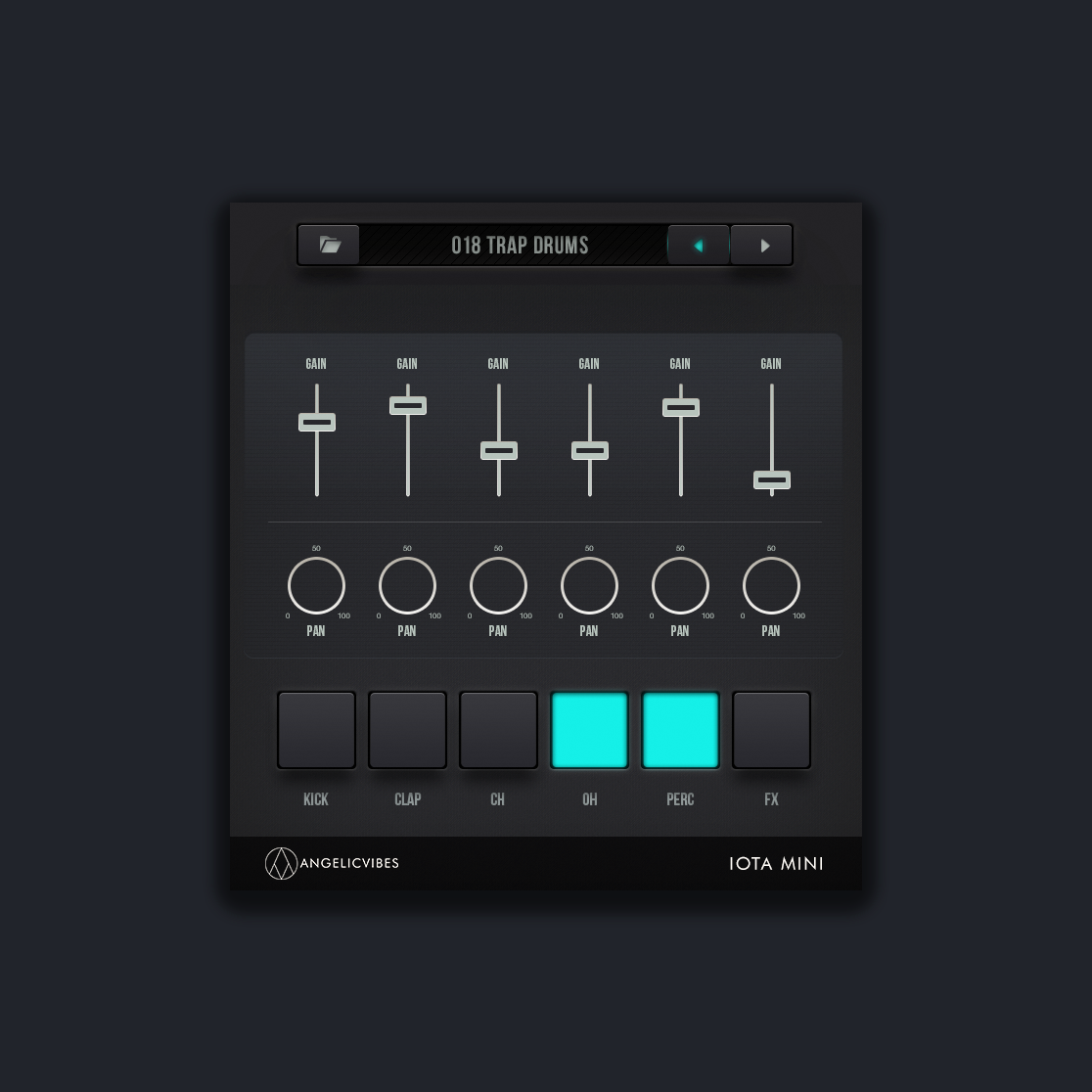
requirements
- Works on macOS and Windows.
- Delivered in VST3 and AU formats.
- Compatible with all major DAWs (except Pro Tools).
troubleshooting
- If the synth doesn’t show up in your DAW, restart your plugin scanner.
- Make sure you installed the correct format for your system.
file size
- Mac: 1.2 GB
- Win: 1.1 GB
how to install on windows
Place the folder named “Iota Mini Presets” in a safe place. This can be on your desktop, in your documents folder, on an external hard drive or anywhere else. Iota Mini will scan that folder for the presets. Make sure it is in a safe place and do not move it. This is important!
- Copy and paste “Iota Mini.dll” into the “VST Folder”
- Copy and paste “Iota Mini.vst3” into the “VST3 Folder”
If you have trouble finding the folders, follow these paths:
Computer // Program Files // Vstplugins Computer // Program Files // Common Files // VST3- Open your DAW, SCAN FOR PLUGINS, then open IOTA MINI.
- A message should pop up that says “choose folder”.
- This is when you choose the “Iota Mini Presets” folder that you saved earlier.
- After that Iota Mini will load successfully and you are ready to make music!
how to install on mac
Place the folder named “Iota Mini Presets” in a safe place. This can be on your desktop, in your documents folder, on an external hard drive or anywhere else. Iota Mini will scan that folder for the presets. Make sure it is in a safe place and do not move it. This is important!
- Copy and paste “Iota Mini.vst” into the “VST Folder”
- Copy and paste “Iota Mini.vst3” into the “VST3 Folder”
- Copy and paste “Iota Mini.component” into the “Components Folder”
- Now Restart your Mac. Done!
If you have trouble finding the folders, follow these paths:
Macintosh HD // Library // Audio // Plug-ins // VST Macintosh HD // Library // Audio // Plug-ins // VST3 Macintosh HD // Library // Audio // Plug-ins // Components- Open your DAW then open Iota Mini. A message should pop up that says “choose folder”.
- This is when you choose the “Iota Mini Presets” folder that you saved earlier.
- After that Iota Mini will load successfully and you are now ready to make music!
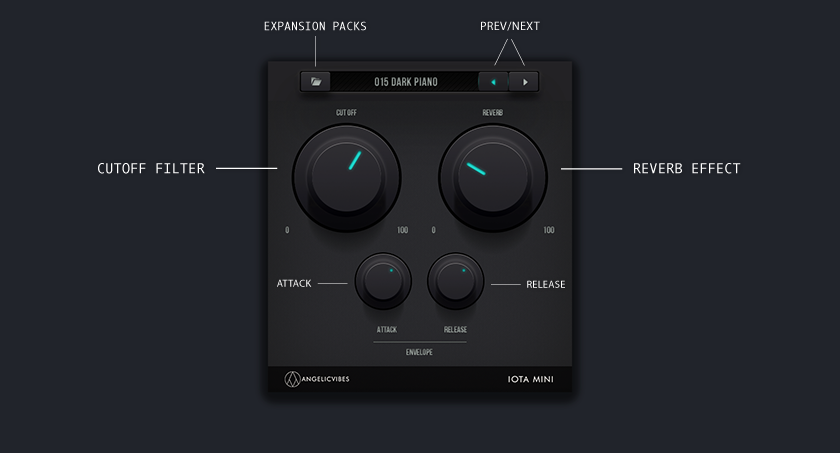
feature list (main synth)
- Preset browser with expansion support
- Previous / next preset navigation
- Cutoff filter
- Built-in reverb
- Attack control
- Release control
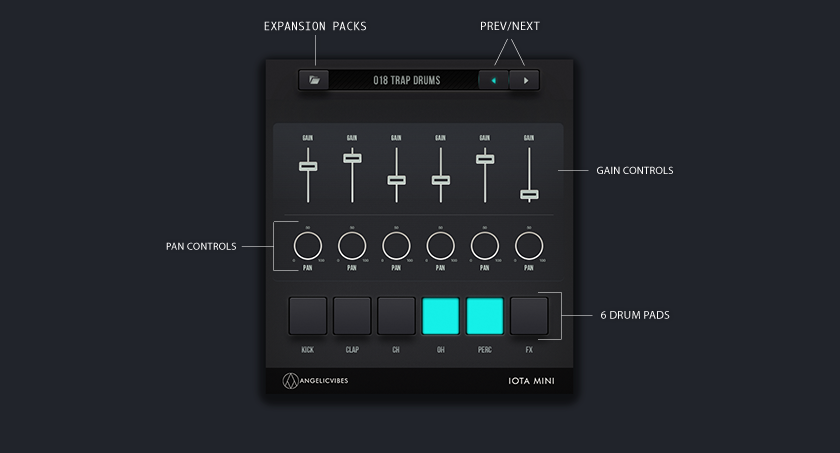
feature list (drums)
- Simple mixer-style layout for quick drum balancing
- Six drum pads for triggering individual sounds
- Independent gain controls for each drum sound
- Independent pan controls for each drum sound
bundle name
don't pay $ for just one pack. grab the full collection and get each pack for only $ per pack.
