Your cart is currently empty.
Go to cart
Welcome back
Log in to your account
New here?
Create account
←
New accountCreate your account
Your selection
Cart
blxck magic
plugin overview & manual
view product →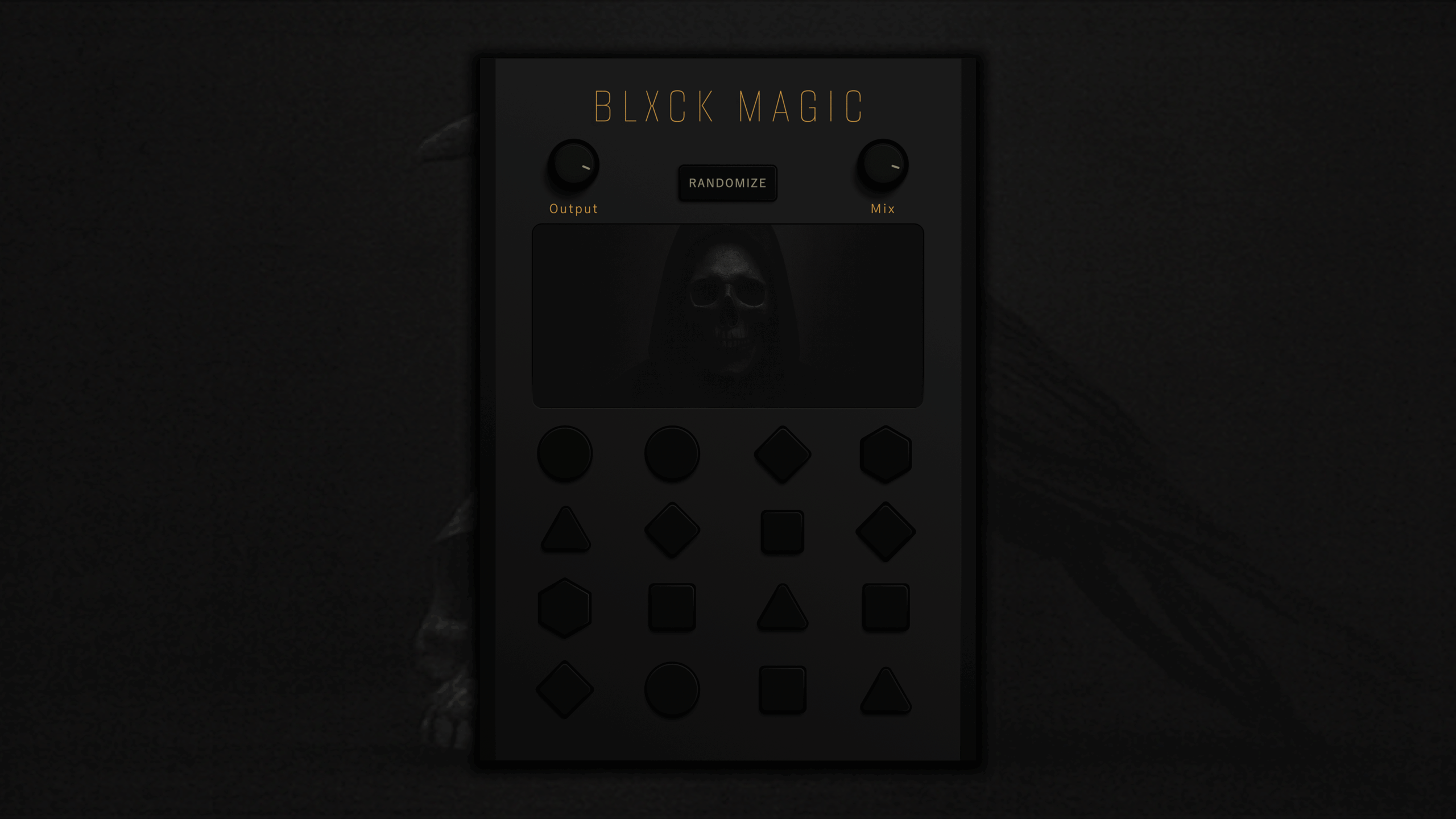
installation
- Download Blxck Magic from our website.
- Run the installer and follow the on-screen steps.
- Open your DAW, rescan your plugins, and load Blxck Magic onto the FX rack.
requirements
- Works on both macOS and Windows.
- Delivered in VST3 and AU formats.
- Compatible with all major DAWs (except Pro Tools).
troubleshooting
- If it doesn’t show up in your DAW, restart your Computer.
- Make sure you installed the correct format for your system.
- Button 8 may produce noise artifacts on samples with little or no high-frequency content. Pair it with filter buttons 1, 2, or 14 to reduce this.
file size
- Mac: 50 MB
- Win: 30 MB
feature list
main controls
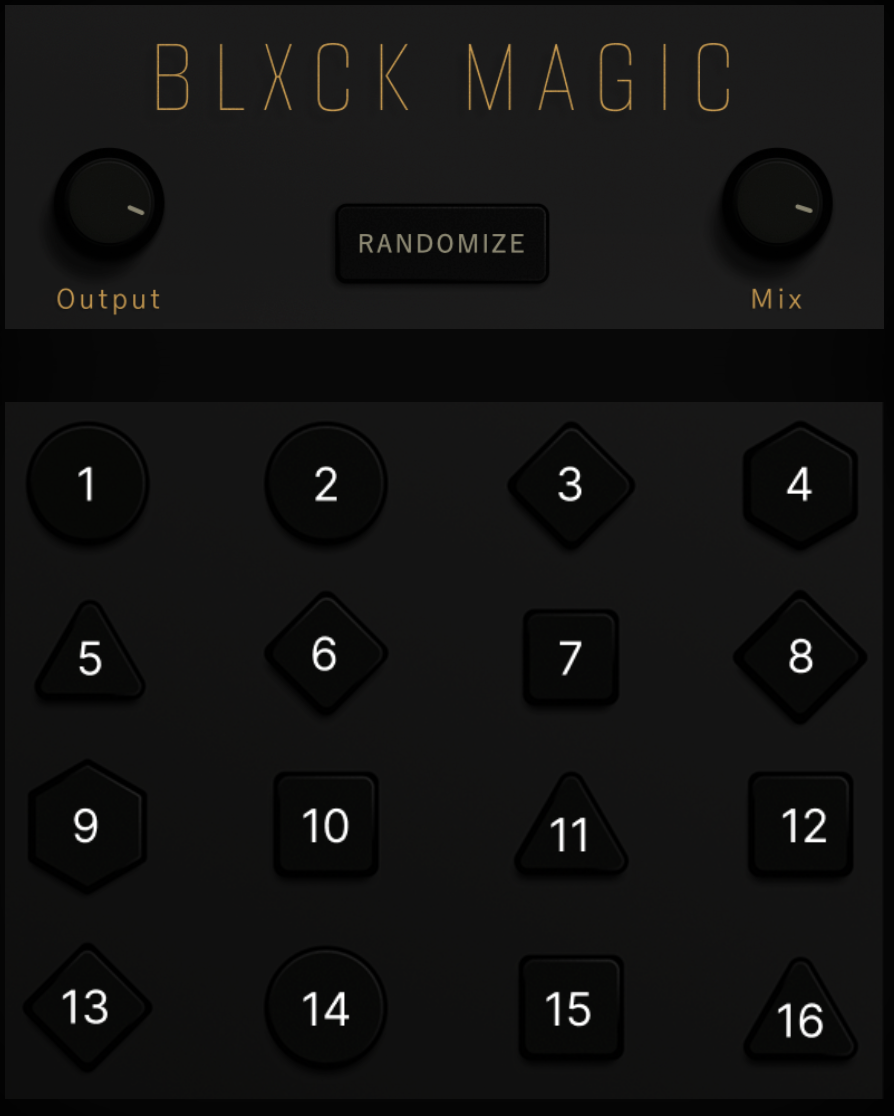
- Output: Controls the final output level.
- Mix: Blends the processed signal with the dry input.
- Randomize: Generates new effect combinations.
16 fx buttons
- Button 1: A simple lowpass filter.
- Button 2: A deeper lowpass filter.
- Button 3: A phaser and stereo spreader hybrid.
- Button 4: Pitch-shifts the signal up 12 semitones.
- Button 5: Reverb and delay hybrid for space.
- Button 6: Hybrid phaser with a subtle sweep.
- Button 7: Constant Tremolo + Chorus.
- Button 8: Highpass stutter effect for rhythmic cuts and motion.
- Button 9: Choppy pitch-down effect at −12 semitones.
- Button 10: Drive Distortion.
- Button 11: Small-space reverb for tight, subtle ambience.
- Button 12: Detuned widener for stereo thickness.
- Button 13: Slow filter sweep.
- Button 14: Bandpass filter.
- Button 15: Heavy distortion.
- Button 16: Infinite reverb for drones, swells, and atmospheric tails.
changelog
01/12/26 — version 1.0.2
- This update improves the Randomize button and refreshes a few lesser-used effects with more usable options.
- The Randomize button can now be automated like any other parameter.
- Randomize now triggers 2–4 FX button combinations (previously 1–2).
- Button 7: Replaced the Compressor with a subtle, constant Tremolo + Chorus.
- Button 10: Replaced with a new Distortion type.
- Button 13: Replaced the Chorus FDN with a slow Filter Sweep.
12/25/25 — version 1.0.1
- Initial Release
smart coupon
accept offer