Your cart is currently empty.
Go to cart
Welcome back
Log in to your account
New here?
Create account
←
New accountCreate your account
Your selection
Cart
Nocturnal
plugin overview & manual
view product →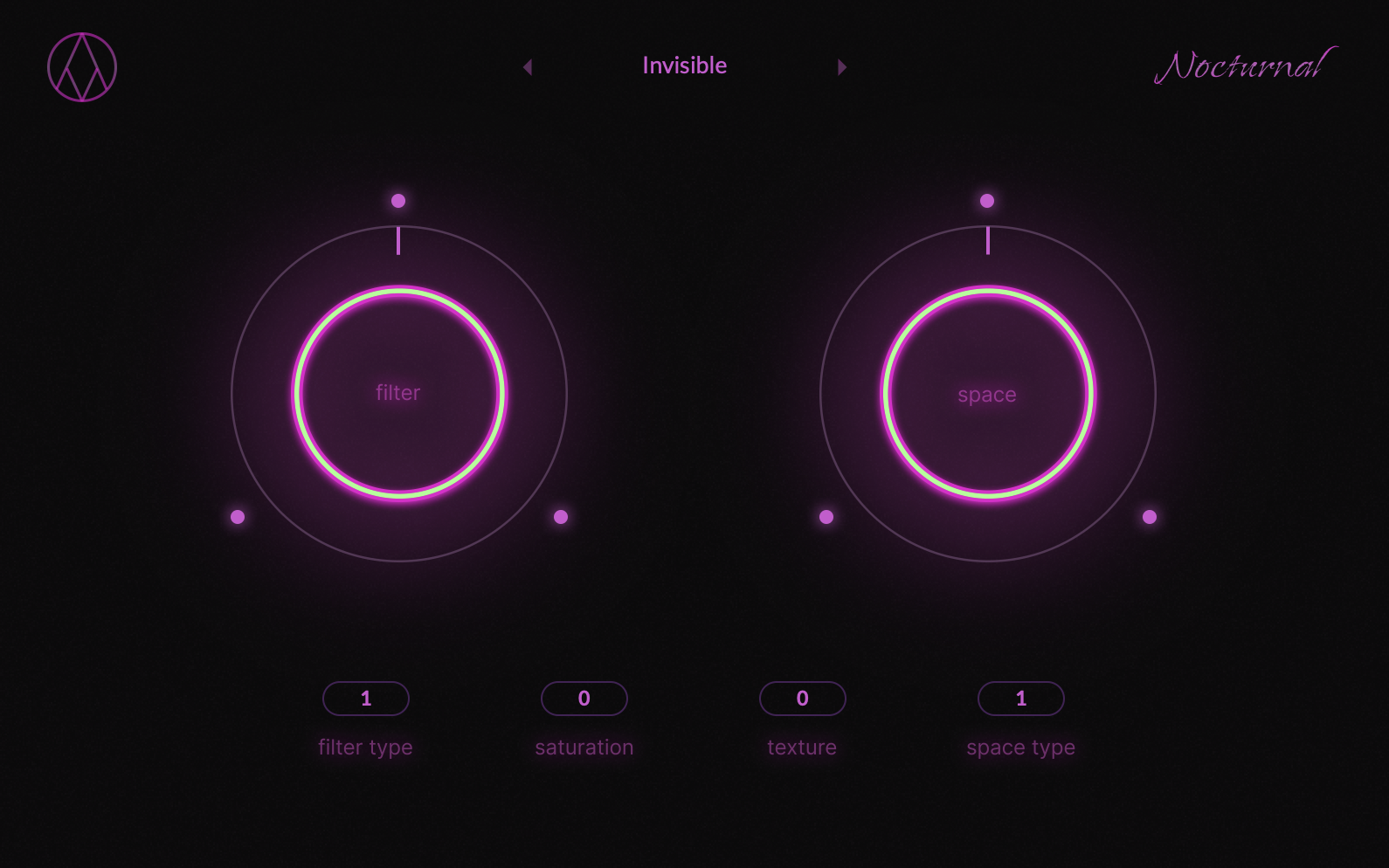
getting started
installation
- Download the Nocturnal installers from your account.
- Run the installers and follow the on-screen steps.
- Open your DAW and load Nocturnal as a plugin on your desired track or bus.
system requirements
- Works on both Mac and Windows.
- Delivered in VST and AU formats.
- Compatible with all major DAWs (except Pro Tools).
workflow
usage tips
- Click the AngelicVibes logo to randomize all effects.
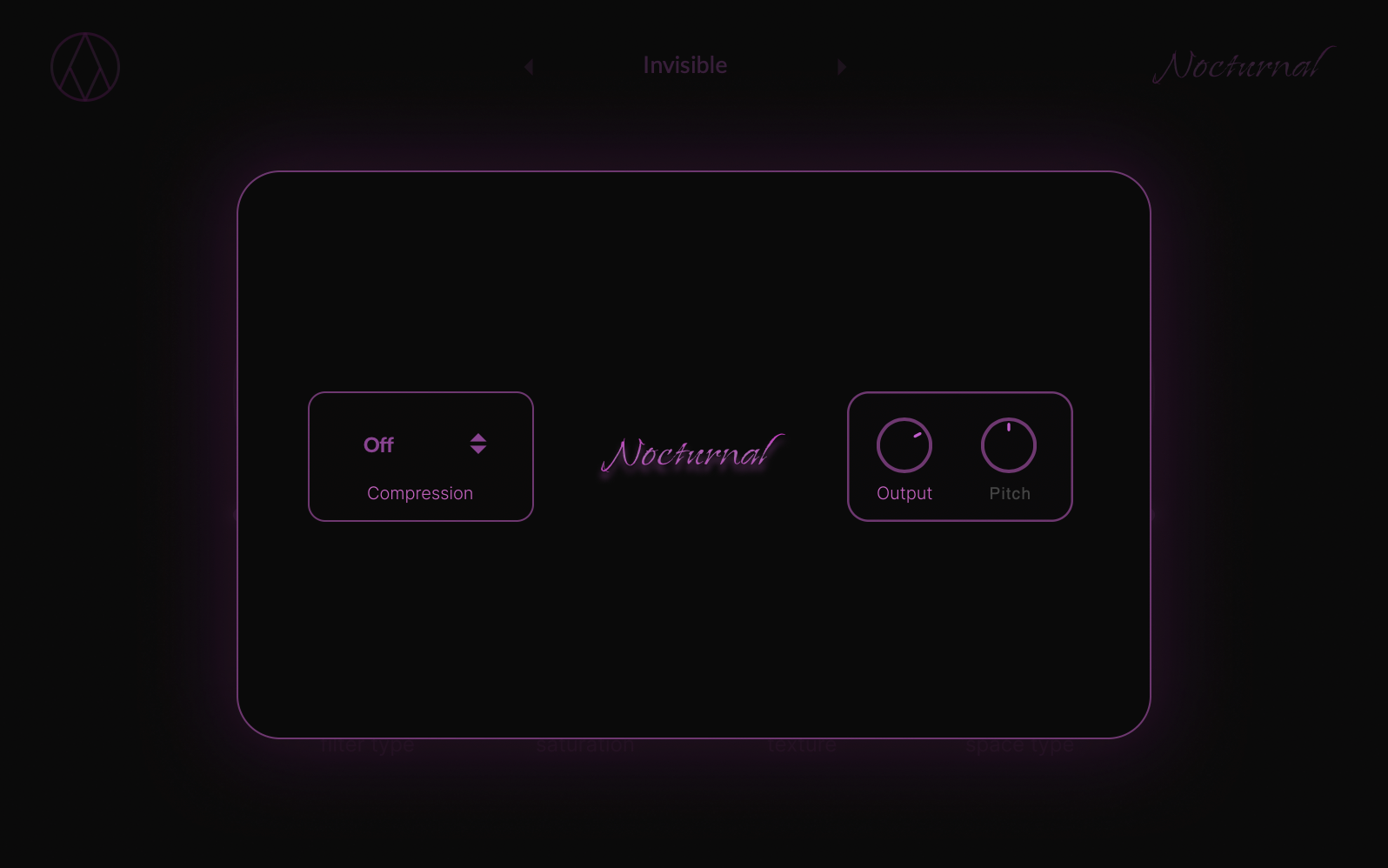
- Click the Nocturnal logo to open the main menu.
- Output, Compression, and Pitch controls are inside the menu.
troubleshooting
- If you run into issues, restart your DAW or reinstall the plugin.
- Make sure your DAW is updated and compatible with Nocturnal.
main macros
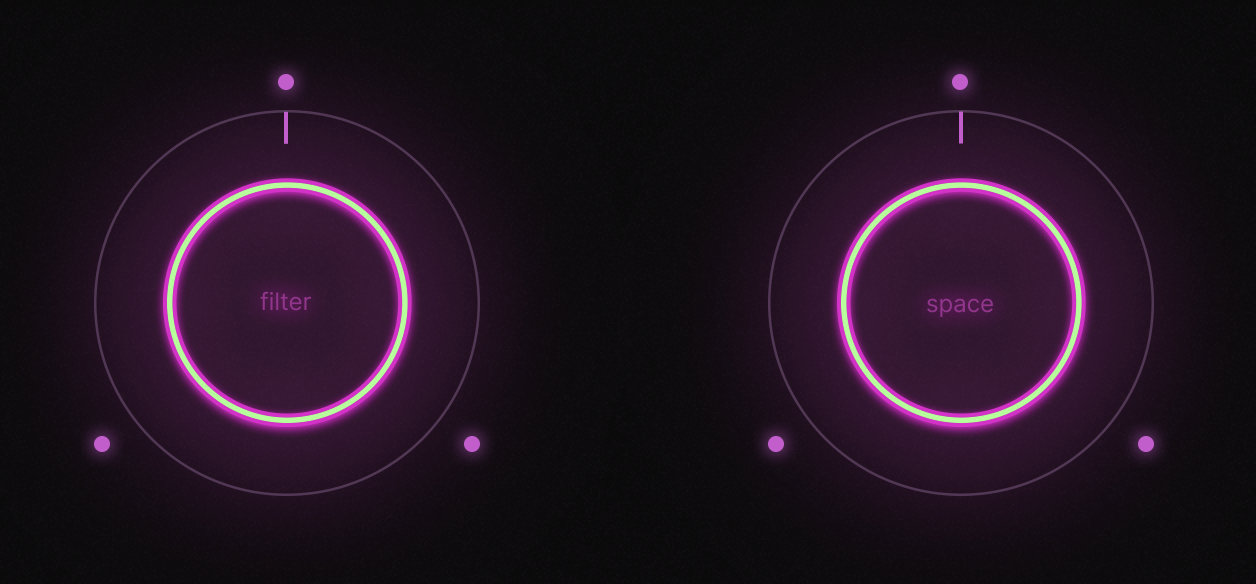
filter knob
A bipolar control with two distinct filters on each side — each one reacts and shapes sound differently.
space knob
Turn left to submerge your sound in lush reverb, or right for a stuttered, rhythmic space effect.
effect modules
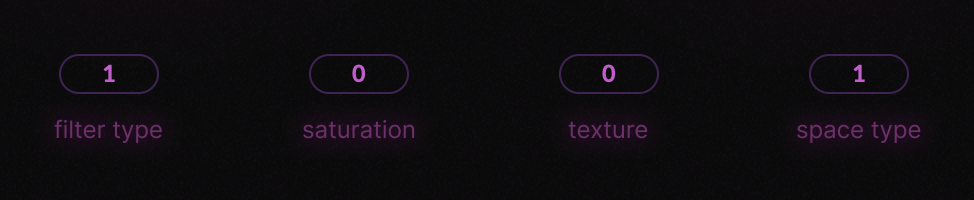
filter types
- Moog lowpass / SVF lowpass
- Lowshelf with a soft high boost / Resonant lowpass
- Clean lowpass / Lowpass with a 400Hz resonance lift
- Highshelf cutting around 6kHz ↔ Hybrid high/low bandpass
- Thick resonant highshelf ↔ Focused bandpass
saturation modes
Softclipper
Saturation 1
ABS Distortion
PI Distortion
Saturation 2
texture modes
Chorus
Chorus Phaser Hybrid
Chorus FDN
Chorus Spreader Hybrid
Chorus Flanger Phaser
space types
- Endless Bright + 1/16 Stutter
- Bright Short Decay + 1/8T Stutter
- Brighter Centered + 1/8 Stutter
- Small Room Reverb + 1/8 Stutter
- Darker Medium Decay + 1/8T Stutter
advanced menu
compression types
Simple
Heavy
Tight
master output
A dedicated knob for controlling overall volume to prevent clipping.
pitch knob
Adjust the pitch of your audio up or down by 12 semitones.
smart coupon
accept offer